
Resume Word Counter
Paste your resume and instantly see your word count, character count, bullet points, and metrics — with a clear verdict on whether your length is in the ideal range. Free, private, no sign-up.
Copy all the text from your resume and paste it above.
Resume Word Count Benchmarks
Almost always too thin — usually a sign of missing achievements rather than efficient writing. Expand recent roles with quantified bullets.
The sweet spot for most professionals. Fits a clean 1–2 page layout and survives the recruiter's 7-second first scan.
Two-page territory. Appropriate for 10+ years of experience; otherwise trim older roles to one or two lines each.
Too long for nearly everyone outside academia and federal applications. Cut anything that does not support the specific job you are targeting.
How Many Words Should a Resume Be? (By Career Stage)
The right word count follows from how much relevant experience you have — not the other way around. Full reasoning in our resume length guide; just starting out, see the entry-level resume guide.
Education-led, with projects and activities doing the work of job history. See our entry-level resume guide for structure.
Every role gets 3–6 quantified bullets; internships compress to 1–2 lines once you have full-time experience.
Two pages only if page two is genuinely strong — a half-empty second page reads worse than a dense single page.
Oldest roles shrink to a one-line 'Earlier Experience' list. Nothing over 15 years old earns bullets.
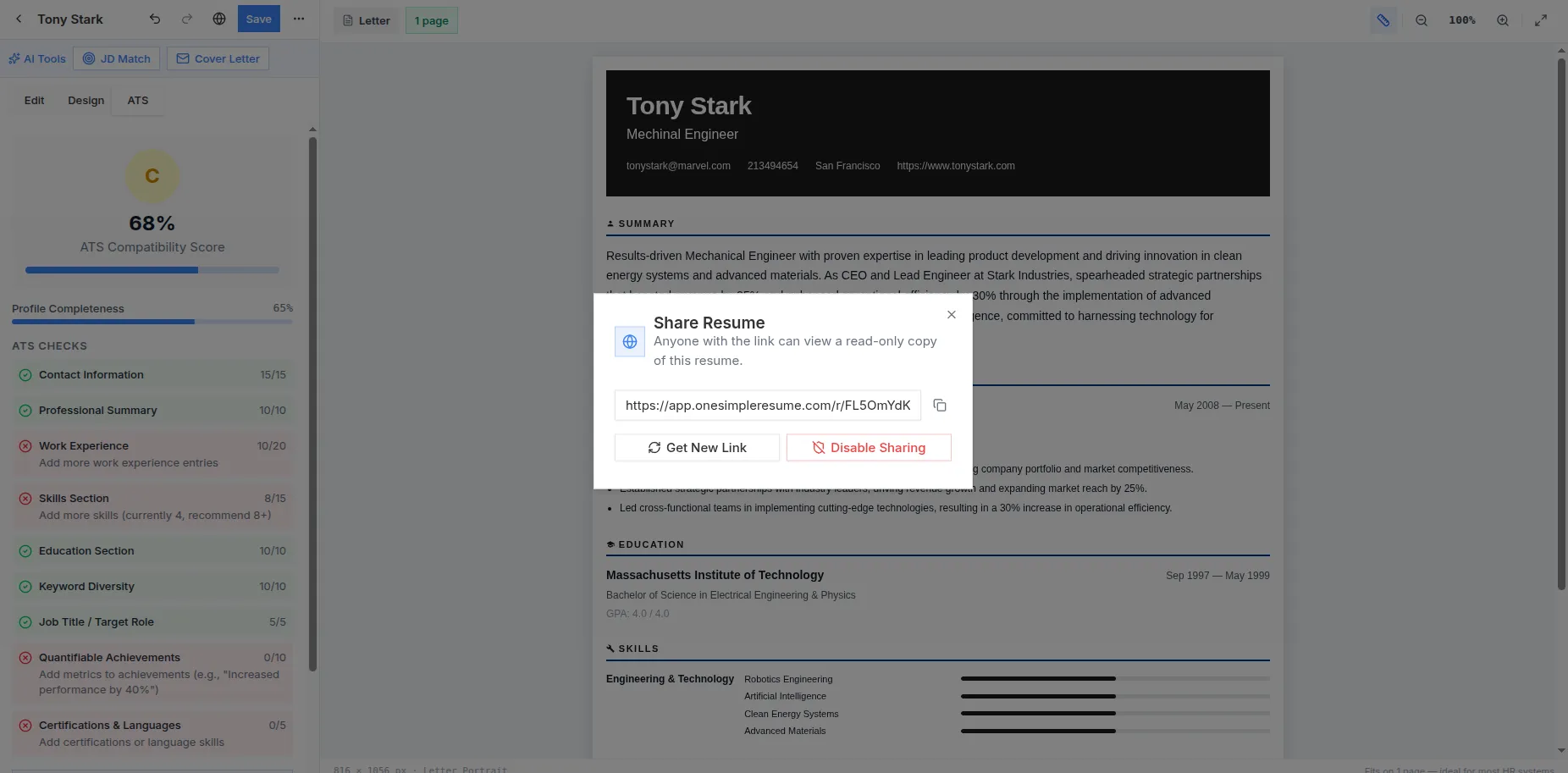
Real screenshot from the live app — sign in free and build yours
Word Count FAQ
How many words should a resume be?
400–800 words for most job seekers — that fills one page comfortably or two pages with 10+ years of experience. Recruiter eye-tracking studies show the first scan lasts about 7 seconds, so density of relevant material matters far more than total volume.
Does the number of bullet points matter?
Yes: 3–6 bullets for your current and most recent role, fewer for older ones. The counter tracks your bullet total — if it is above roughly 25, older roles are probably carrying bullets they no longer earn.
Why does this tool count numbers and metrics?
Because quantification is the strongest single signal of a good resume. If your metrics count is in single digits across a full resume, your bullets are describing duties rather than proving results — add percentages, dollar figures, team sizes, and volumes.
Is my resume text stored anywhere?
No. The counter runs entirely in your browser using JavaScript — nothing you paste is uploaded, logged, or stored.
Get the Length Right Automatically
One Simple Resume's templates are tuned for clean one and two page layouts, and the builder flags overlong sections as you type. Free, no account.