
Updated
LinkedIn Profile Tips (2026): Full Optimization Guide
Over 95% of recruiters use LinkedIn to find and vet candidates. A weak LinkedIn profile is an invisible job seeker. This guide covers every section of your profile with specific, actionable tips to rank higher in search, attract recruiters, and convert profile views into real opportunities.
Reach “All-Star” Profile Status
LinkedIn's All-Star status is granted when your profile hits a minimum completeness threshold. All-Star profiles appear 40× more in recruiter searches than incomplete profiles. Check these boxes:
Section-by-Section Optimization
Optimize each section in order of impact.
Profile Photo
High Impact- Use a professional headshot — not a cropped group photo, vacation selfie, or wedding photo
- Fill 60–70% of the frame with your face and shoulders (standard LinkedIn framing)
- Plain, neutral background: white, light gray, or light blue work best
- Good lighting: face toward natural light or use a ring light — no harsh shadows under your chin
- Wear what you'd wear to a client meeting in your industry
- Smile naturally — warm and approachable reads better than formal and stiff
- Resolution: at least 400x400 pixels; LinkedIn recommends up to 7680x4320
- Update it if it's more than 5 years old — inconsistency with in-person meetings creates friction
Headline
Critical Impact- You have 220 characters — use all of them. Don't just put your job title.
- Include your current title + industry specialization + 2–3 key skills or value propositions
- Example: 'Senior Software Engineer | React & Node.js | Building scalable fintech products | Open to Staff roles'
- Include keywords recruiters search for — 'Python developer' beats 'problem solver' every time
- Mention if you're open to opportunities: 'Open to Senior Frontend roles | Remote / NYC'
- Avoid buzzwords that fill space without meaning: 'passionate', 'results-driven', 'strategic thinker'
- Your headline appears in search results, connection requests, and message previews — make it earn a click
About (Summary)
High Impact- 2,600 characters maximum — the first ~200 display before 'See more', so open with your strongest line
- Write in first person ('I build', 'I lead') — third person reads robotic on a personal profile
- Structure: your professional identity → 2–3 biggest achievements → your specialty/focus area → a call to action
- Include keywords naturally — recruiters search for skills, tools, certifications, and job titles
- End with a clear CTA: 'Feel free to reach out at email@domain.com' or 'Connect with me about X opportunities'
- Break it into short paragraphs (2–4 sentences each) — walls of text lose readers
- Don't just restate your job title — the summary should add context that your headline and experience don't provide
Work Experience
Critical Impact- Every role should have at least 3 bullet points — blank roles waste searchable content
- Use resume-style bullet points: start with action verbs, end with quantified results
- Include the company's industry in the description if the company name isn't well-known
- Use keywords from job descriptions you're targeting — LinkedIn's algorithm surfaces your profile based on this
- Multimedia: add project links, presentations, GitHub repos, or portfolio pieces to each role
- LinkedIn has 2,000 characters per role — use at least 600 for significant positions
- Job titles matter: use the title that's most searchable in your industry, not just your internal title if it was unusual
Skills & Endorsements
High Impact- Add the maximum 50 skills — LinkedIn's algorithm gives preference to profiles that use this fully
- Reorder your skills: drag the most important ones to the top three (they're featured prominently on your profile)
- Skills that appear in the top 3 receive the most weight in LinkedIn's search ranking
- Endorse connections in your network — many will reciprocate, increasing your skill credibility
- Add both hard skills (Python, Figma, SQL) and soft skills (Leadership, Strategic Planning)
- Take LinkedIn Skill Assessments — a green verification badge on a skill significantly boosts credibility
- Remove outdated or irrelevant skills — they dilute your profile's perceived specialization
Education
Medium Impact- Add all degrees, including associate's and any incomplete degrees (list as 'Attended')
- Include relevant certifications in education (AWS, Google, Coursera with university branding)
- Add activities, clubs, and honors for recent graduates — it signals well-rounded engagement
- Include your graduation year for alumni network discovery
- Use the description field to mention relevant coursework, thesis, or capstone projects
Recommendations
High Impact- Aim for 3–5 recommendations per major role — these are the most human, trust-building element of LinkedIn
- Request recommendations from direct managers first, then senior peers, then cross-functional collaborators
- When requesting, remind them of a specific project or achievement to make it easy for them to write something specific
- Offer to write a recommendation first — the reciprocity principle makes them far more likely to respond
- A specific, outcome-focused recommendation (e.g., 'Alex increased our conversion rate by 22%') outperforms generic praise
URL & Visibility
Medium Impact- Customize your LinkedIn URL: linkedin.com/in/firstname-lastname (remove the random number LinkedIn assigns)
- Add your custom LinkedIn URL to your resume, email signature, and portfolio
- Enable 'Open to Work' — either publicly (green banner, visible to all) or privately (recruiters only)
- Check your profile visibility settings: your profile should be fully public, not limited
- Turn off activity broadcasts when making major updates to your profile (Settings → Privacy) to avoid flooding connections' feeds
Playing the LinkedIn Algorithm
A great profile is necessary but not sufficient. The LinkedIn algorithm surfaces profiles based on activity, engagement, and network signals — not just profile completeness.
LinkedIn's algorithm heavily favors profiles that create content. Even short, insight posts (200–400 words) get significant organic reach.
Early engagement signals to the algorithm that the post is generating conversation — it will distribute it further. Reply to every comment in the first 60 minutes.
LinkedIn shows '500+ connections' vs. a specific number past 500. This threshold signals authority. Connect with former colleagues, classmates, and professionals at your target companies.
Following companies and engaging with their content signals to the platform that you're in that ecosystem, which boosts your relevance in recruiter searches at those companies.
Creator mode replaces the 'Connect' button with 'Follow' on your profile, boosts your content reach, and lets you feature hashtags. Ideal if you post original content regularly.
Comments like 'Great post!' provide zero value and zero visibility. A 2–3 sentence comment that adds perspective or asks a smart question gets you noticed by the original poster's entire audience.
LinkedIn Profile Mistakes to Avoid
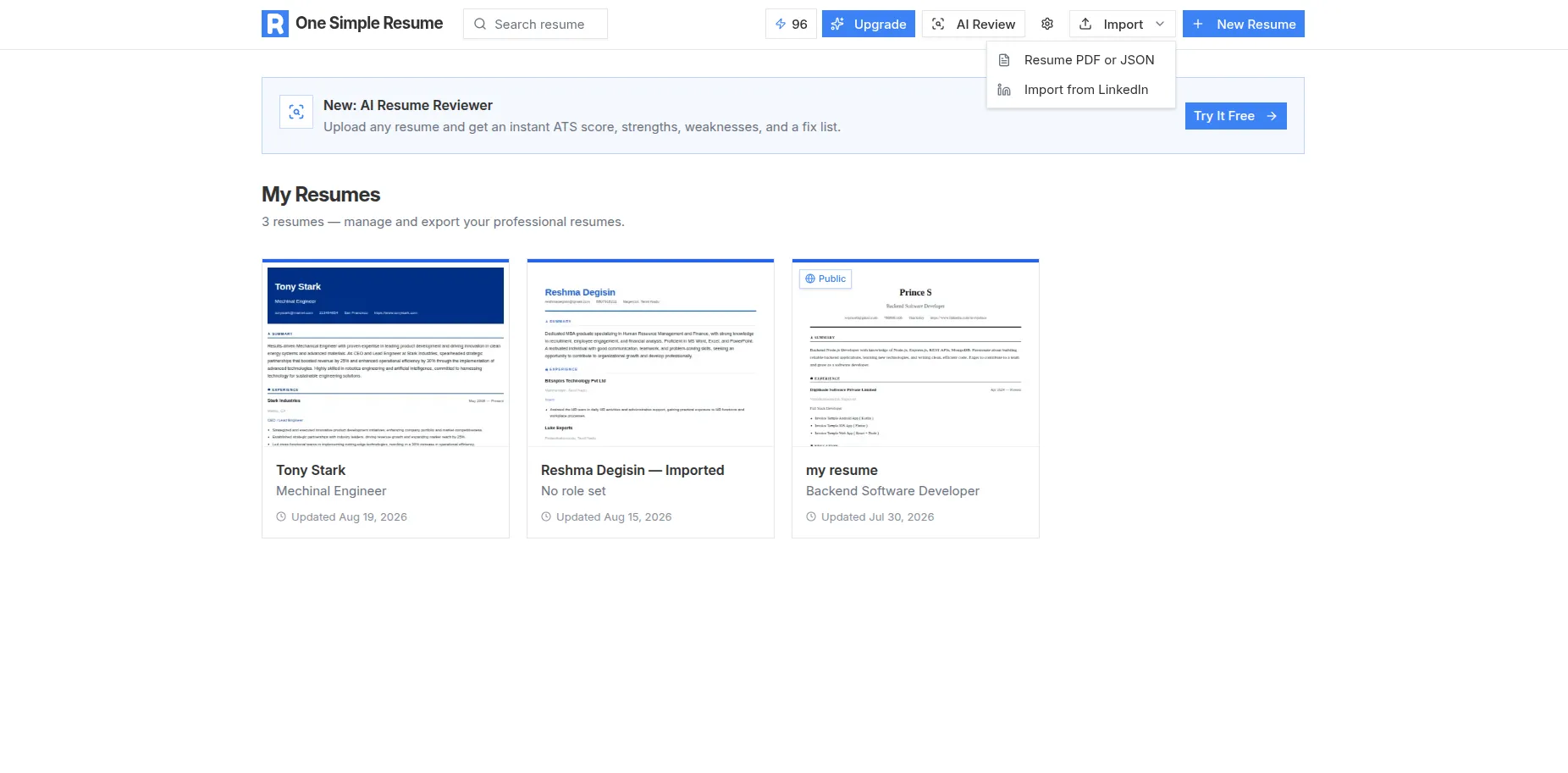
Real screenshot from the live app — sign in free and build yours
Your LinkedIn links to your resume
Recruiters who like your LinkedIn will pull your resume. Make sure it's ATS-ready and just as strong as your profile.