
Updated
20 Resume Writing Tips That Get You Hired in 2026
From formatting and ATS optimization to bullet point strategy and keyword matching — a complete, actionable guide to writing a resume that actually gets interviews.
In This Guide
Format & Structure
Use a Single-Column Layout for ATS
Multi-column resumes look great to humans but confuse most ATS software. Stick to a single-column layout to ensure every line is parsed correctly. Nearly every large employer runs applications through an ATS before a human reads them — don't let formatting kill your chances before the process even starts.
Keep It to One Page (Unless You Have 10+ Years)
Recruiters spend an average of 6–7 seconds scanning a resume. One page forces you to prioritize ruthlessly — which is exactly what hiring managers want. Two pages are acceptable if you have 10 or more years of relevant experience. Three pages are almost never appropriate.
Use Standard Section Headings
ATS software looks for exact keywords like "Work Experience," "Education," and "Skills." Creative headings like "My Journey" or "What I've Done" are charming but invisible to machines. Stick to standard labels. You can always customize the visual presentation while keeping the semantic label standard.
Choose Readable Fonts at 10–12pt
Fonts like Calibri, Arial, Georgia, and Times New Roman are universally readable by both ATS and humans. Avoid script fonts, decorative typefaces, or anything below 10pt. Your contact info can be slightly larger (14–16pt) to anchor the page visually.
Use Consistent Date Formatting
Pick one date format and use it throughout: either "Jan 2023 – Mar 2025" or "01/2023 – 03/2025." Mixing formats signals carelessness. Always include the month — year-only ranges make gaps look larger than they are and give recruiters less information to work with.
Writing Bullet Points
Start Every Bullet With a Strong Action Verb
"Responsible for managing" is weak. "Managed," "Built," "Increased," "Reduced," "Led," "Delivered" — these open with impact. Action verbs signal ownership and directness. Vary your verbs across bullets — using the same verb repeatedly reads as lazy.
Quantify Everything You Possibly Can
"Improved sales" tells a recruiter nothing. "Increased quarterly sales by 34% in 6 months by redesigning the outreach sequence" tells a complete story. Numbers create credibility. If you don't have exact figures, use ranges, percentages, or scales: "Managed a team of 8," "Reduced churn by ~20%," "Processed 500+ orders/week."
Write in the Formula: Action + Project + Result
The most effective bullet structure is: what you did (action verb), what you did it to (context), and what happened as a result (outcome). Example: "Redesigned [what] the onboarding flow [context] reducing time-to-value by 40% [result]." This formula works for every industry and every level.
Limit to 3–5 Bullets Per Role
More isn't more. Five strong, specific, quantified bullets outperform ten generic ones every time. Focus on your highest-impact contributions at each role. If you have a long list of responsibilities, cut anything that doesn't show measurable impact or demonstrate a skill the job requires.
Tailor Bullets to Each Job Application
Your resume is not a static document — it's a sales pitch tailored to each role. Read the job description, identify the top 5 requirements, then rearrange or rewrite your bullets to mirror those priorities. Use the same language the job posting uses — ATS is often matching keywords literally.
ATS Optimization
Include Keywords From the Job Description
Most ATS systems score your resume against the job posting. Copy the exact phrases used in the posting — not synonyms, the exact words. If the job says "cross-functional collaboration," use that phrase. If it says "stakeholder management," use that. Paste the job description into One Simple Resume's Job Tailoring tool for instant keyword gap analysis.
Avoid Tables, Text Boxes, and Graphics
Tables, text boxes, headers/footers, columns, and embedded graphics are invisible to most ATS parsers. Content placed in these elements simply doesn't get read. If you're using a template with these elements, switch to an ATS-friendly template. All One Simple Resume templates are designed to be ATS-safe.
Don't Put Contact Info in the Header Element
Some ATS systems don't parse the HTML header section. Put your name, phone, email, LinkedIn, and location in the main body of the document. Using a resume builder like One Simple Resume ensures your contact info is in the right place in the document structure.
Include Both Spelled-Out and Abbreviated Terms
Write "Search Engine Optimization (SEO)" the first time, then use SEO after that. ATS may search for either form. The same applies to certifications: "Project Management Professional (PMP)," programming languages, tools, and any other technical terminology that has both a full name and an abbreviation.
Content Strategy
Write a Professional Summary, Not an Objective
Objective statements ("Seeking a challenging role where I can grow") are outdated. A professional summary (3–4 lines about who you are and what you bring) immediately signals your value. Lead with your title/specialty, years of experience, and 2–3 signature strengths. Make it specific to the role you're targeting.
Put Your Most Impressive Section First
If you're a recent graduate, education comes before experience. If you have 10 years of experience, experience comes first. If you have a stand-out skills section with rare technical competencies, lead with it. Structure your resume to surface your strongest credential within the first third of the page.
Include a Dedicated Skills Section
A dedicated Skills section makes it easy for both ATS and human reviewers to quickly scan your capabilities. Group skills by category: Technical Skills, Languages, Tools, Certifications. List them as comma-separated items — don't use skill bars or ratings (they're meaningless and waste space).
Cut Education Details After 3 Years of Experience
After 3+ years in the workforce, your experience outweighs your GPA and college coursework. Keep your education section but trim it to: institution name, degree, graduation year. Remove high school, irrelevant courses, and GPA (unless 3.8+ and you graduated within the last 2 years).
Polish & Presentation
Proofread Three Times — Then Have Someone Else Read It
Typos and grammatical errors are disqualifying. Proofread on screen, print it out and read it again, then read it aloud. A typo you've read ten times becomes invisible — a fresh set of eyes will catch what you miss. Use Grammarly or a similar tool as a safety net, not a substitute for careful reading.
Export as PDF to Preserve Formatting
Always send your resume as a PDF unless the job application specifically asks for a Word document. PDFs preserve fonts, spacing, and layout across all devices and operating systems. Sending a .docx risks formatting breaking on the recruiter's machine. One Simple Resume's PDF export generates a pixel-perfect, ATS-safe PDF.
Pre-Submit Checklist
Run through this before sending any resume application:
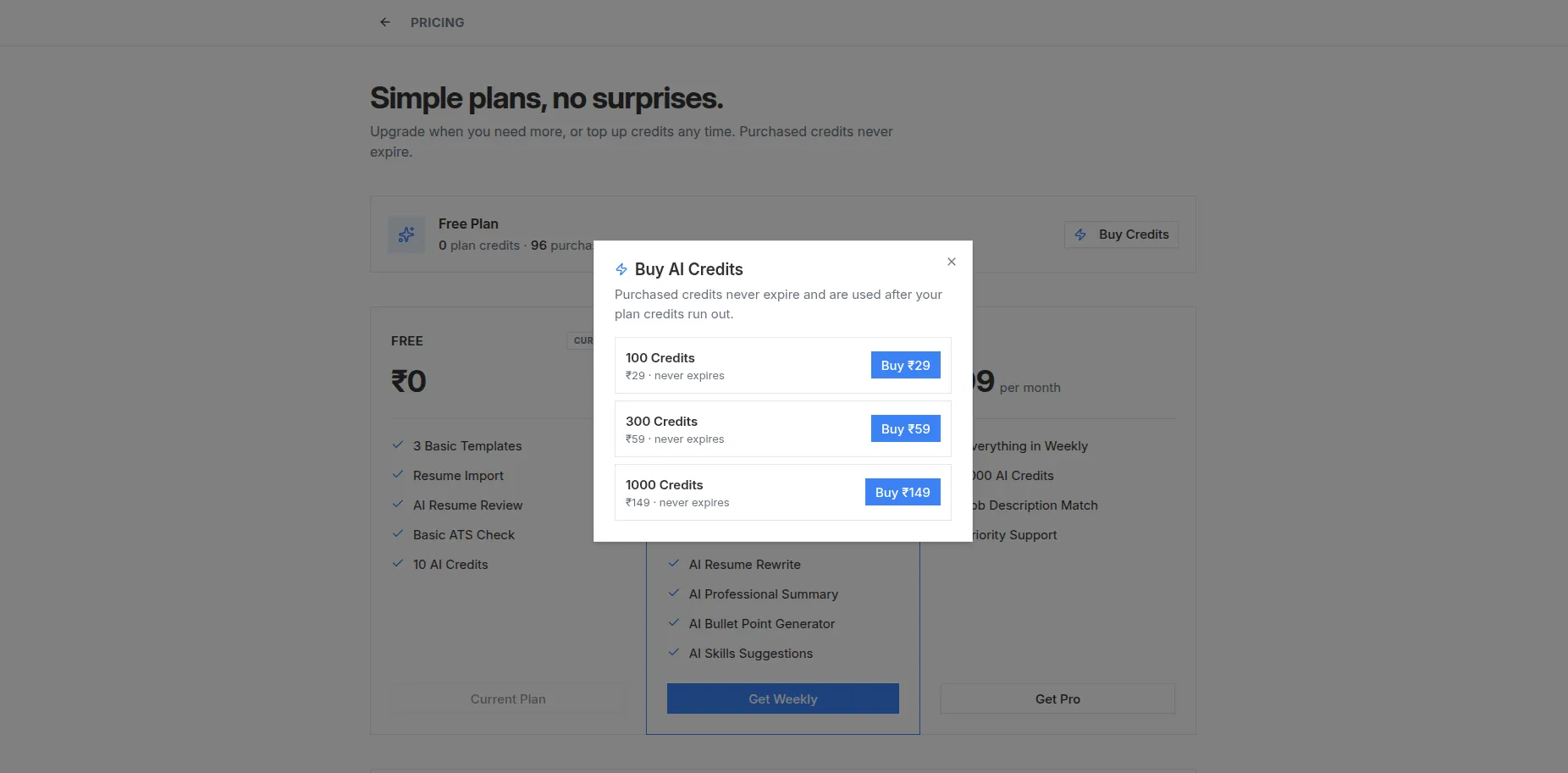
Real screenshot from the live app — sign in free and build yours
Put These Tips Into Practice
Apply every tip in this guide instantly using One Simple Resume — ATS-optimized templates, AI bullet improvements, and real-time scoring. Free, no account needed.