
Updated
Resume Format Guide 2026: Chronological, Functional & Combination
Choosing the wrong resume format can get you filtered out before a human ever reads your name. This guide explains every format, when to use each one, and exactly how to structure your resume for maximum impact and ATS compatibility.
The 3 Resume Formats Explained
There are three universally accepted resume formats. Each serves a different purpose. The right choice depends on your career stage, employment history, and the role you're targeting.
Chronological
Most RecommendedLists work experience in reverse chronological order — most recent job first. Hiring managers and ATS systems both prefer this structure because it shows career progression at a glance.
- Professionals with a steady, consistent work history
- People staying in the same industry or role type
- Anyone targeting companies that use ATS software
- Candidates with 2+ years of relevant experience
- Job seekers with no major employment gaps
- Career changers who lack direct experience
- Recent graduates with minimal work history
- Professionals with long unexplained employment gaps
Functional
Use With CautionGroups your experience by skill category rather than employer. Useful when your skills matter more than where or when you used them — but be cautious: most ATS systems don't parse functional formats well.
- Career changers pivoting to a new industry
- Freelancers or consultants with many short engagements
- Returning professionals after long career breaks
- Recent graduates with more skills than experience
- Military veterans transitioning to civilian work
- Standard corporate job applications
- Any role that uses ATS screening
- Applications where timeline gaps might seem suspicious
Combination
Versatile ChoiceOpens with a strong skills summary, then provides a full chronological work history. Lets you highlight your most relevant capabilities while still satisfying ATS requirement for employment timelines.
- Mid-career professionals switching industries
- Senior candidates with diverse skill sets
- People applying for roles slightly outside their direct history
- Professionals with impressive skills and solid work history
- Anyone targeting senior or leadership positions
- Entry-level candidates without enough content
- Roles that require very traditional presentation
- When resume length is strictly limited to one page
Every Resume Section — What to Include
Regardless of format, these are the core sections of a strong resume and exactly what to put in each one.
Contact Information
Required- Full name — large, bold, at the very top
- City, State (no full street address for privacy)
- Phone number with area code
- Professional email address (firstname.lastname@email.com)
- LinkedIn profile URL (customized, not the default URL)
- Portfolio or GitHub URL if relevant
Professional Summary
Required- 2–4 sentences maximum — be ruthless about brevity
- Open with your title and years of experience
- Mention your strongest 2–3 skills or areas of expertise
- Include one measurable achievement or outcome
- Tailor it to each job description you apply to
- Use keywords from the job posting (ATS boost)
Work Experience
Required- Reverse chronological order — newest job first
- Each entry: job title, company, city, state, dates (Month Year – Month Year)
- 3–6 bullet points per role; fewer for older roles
- Start every bullet with a strong action verb
- Quantify with numbers wherever possible (%, $, team size, time saved)
- Include 10–15 years max for experienced professionals
Education
Required- Degree type and major — e.g., B.S. in Computer Science
- University name and location
- Graduation year (omit if 10+ years ago, optional for recent grads)
- GPA only if 3.5+ and graduated within last 3 years
- Relevant coursework for entry-level roles — remove for experienced hires
- Honors, Dean's List — worthwhile for early career candidates
Skills
Required- Separate hard skills (tools, technologies, certifications) from soft skills
- Group by category: Technical Skills, Languages, Tools, etc.
- Include skills mentioned in the job description
- Use exact spellings of tools/technologies for ATS (JavaScript, not JS)
- Proficiency indicators are optional (Fluent / Proficient / Basic)
- Remove obvious universal skills like 'Microsoft Word' for tech roles
Optional Sections
Optional- Certifications — include issuer and year (AWS Certified, Google Analytics, PMP)
- Projects — excellent for developers, designers, and recent grads
- Volunteer Work — shows character and fills gaps meaningfully
- Publications / Speaking — for academic, thought leadership, or PR roles
- Languages — always include fluency level (Native / Fluent / Conversational)
- Awards and Honors — keep to genuinely impressive, industry-relevant recognition
How Long Should Your Resume Be?
Resume length is one of the most debated questions in job searching. The answer depends entirely on your career stage.
Universal Formatting Rules
These rules apply to every resume format:
Use a single ATS-safe font: Calibri, Arial, Garamond, Helvetica, or Times New Roman. Size 10–12pt for body; 14–16pt for name.
0.5 to 1 inch on all sides. Never less than 0.5 — it looks cramped and prints poorly. Never more than 1 inch — wastes space.
Black body text is safest for ATS. One accent color (dark blue, dark gray) is fine for section headers. Avoid light colors on white.
Submit as PDF unless the job posting specifically asks for .docx. PDF preserves your formatting across all devices and printers.
Use standard bullets (•). Em-dashes and arrows (→) sometimes fail ATS parsing. Keep bullets to 1–2 lines maximum.
Avoid both. ATS systems routinely skip text inside HTML tables and text boxes. Use plain left-aligned text with line breaks instead.
Never put your name or contact info inside a header/footer element. Many ATS systems ignore content in header/footer regions.
No photos, logos, or icons in the body of your resume. Some ATS systems fail to parse files with embedded images or cause errors.
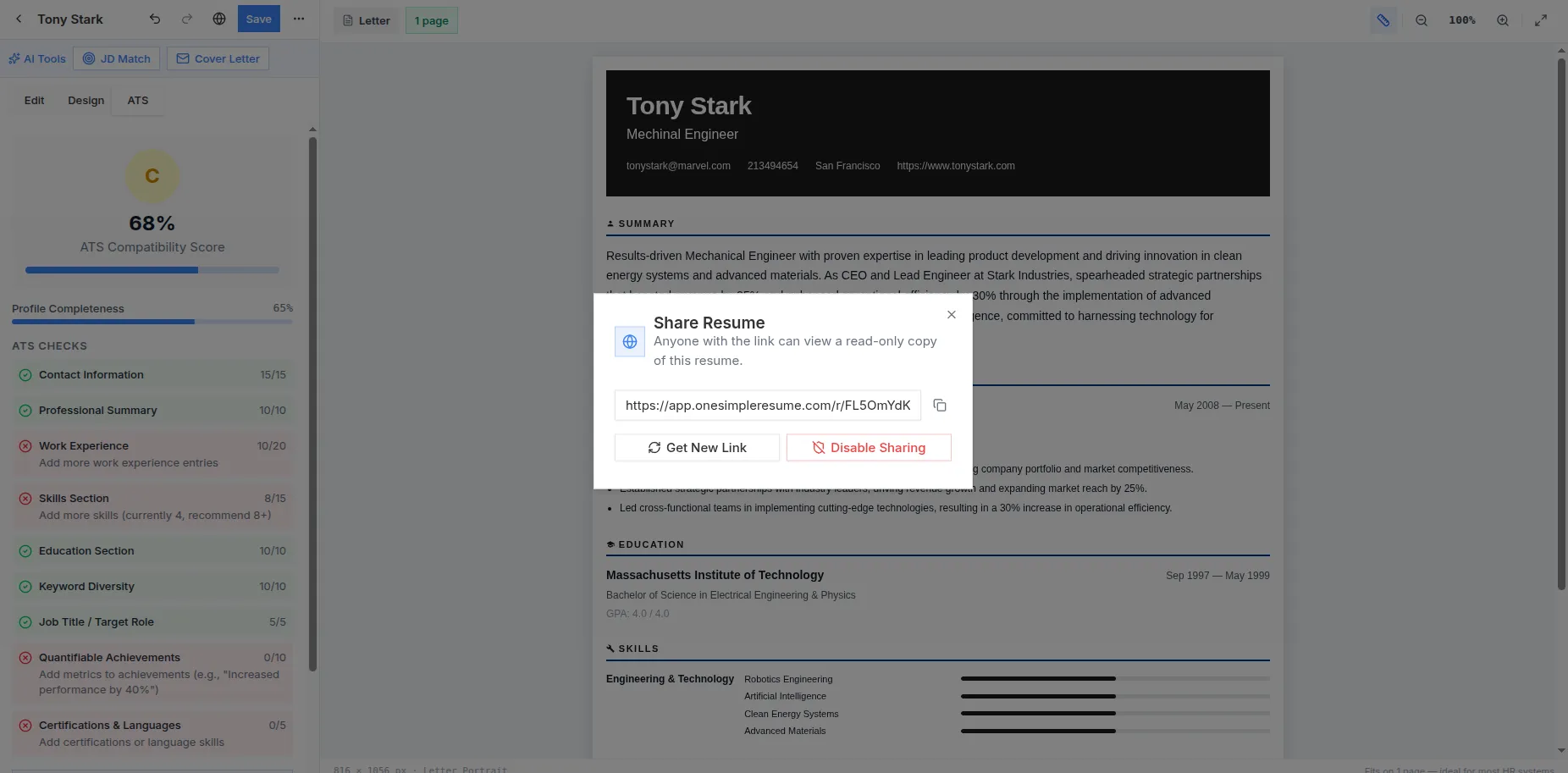
Real screenshot from the live app — sign in free and build yours
Apply everything you just learned
One Simple Resume's templates are pre-structured with the optimal chronological format and pass ATS out of the box.