
Updated
LinkedIn Summary Generator
Turn your role, skills, and one real achievement into a professional About section — in a narrative or achievement-led style. Free, no sign-up.
I'm a Marketing Manager with 5+ years of experience helping teams turn strategy into measurable results. My focus is campaign strategy, analytics, and cross-functional leadership. Most recently, I grew organic traffic 3x in 18 months — the kind of work I care most about: outcomes you can point to, not just activity. I'm always happy to connect with other marketing leaders and explore senior growth roles. Feel free to connect or reach out.
LinkedIn's About section allows 2,600 characters. Everything runs in your browser — nothing you type is uploaded or stored.
4 Rules for a Strong LinkedIn Summary
Write in the first person
"I help SaaS teams grow" reads as a real person; "Results-driven marketer with 5 years of experience" reads as a resume header pasted into the wrong field.
Lead with what you do, not your title
Your headline already has your title. The About section is where you explain the work in plain language — what you actually do and for whom.
Include one real number
A single concrete result — grew X, reduced Y, launched Z — does more for credibility than three paragraphs of adjectives.
End with an actual ask
Say what you're looking for: new roles, clients, collaborators, or just to connect with people in your field. A summary with no direction gets read and forgotten.
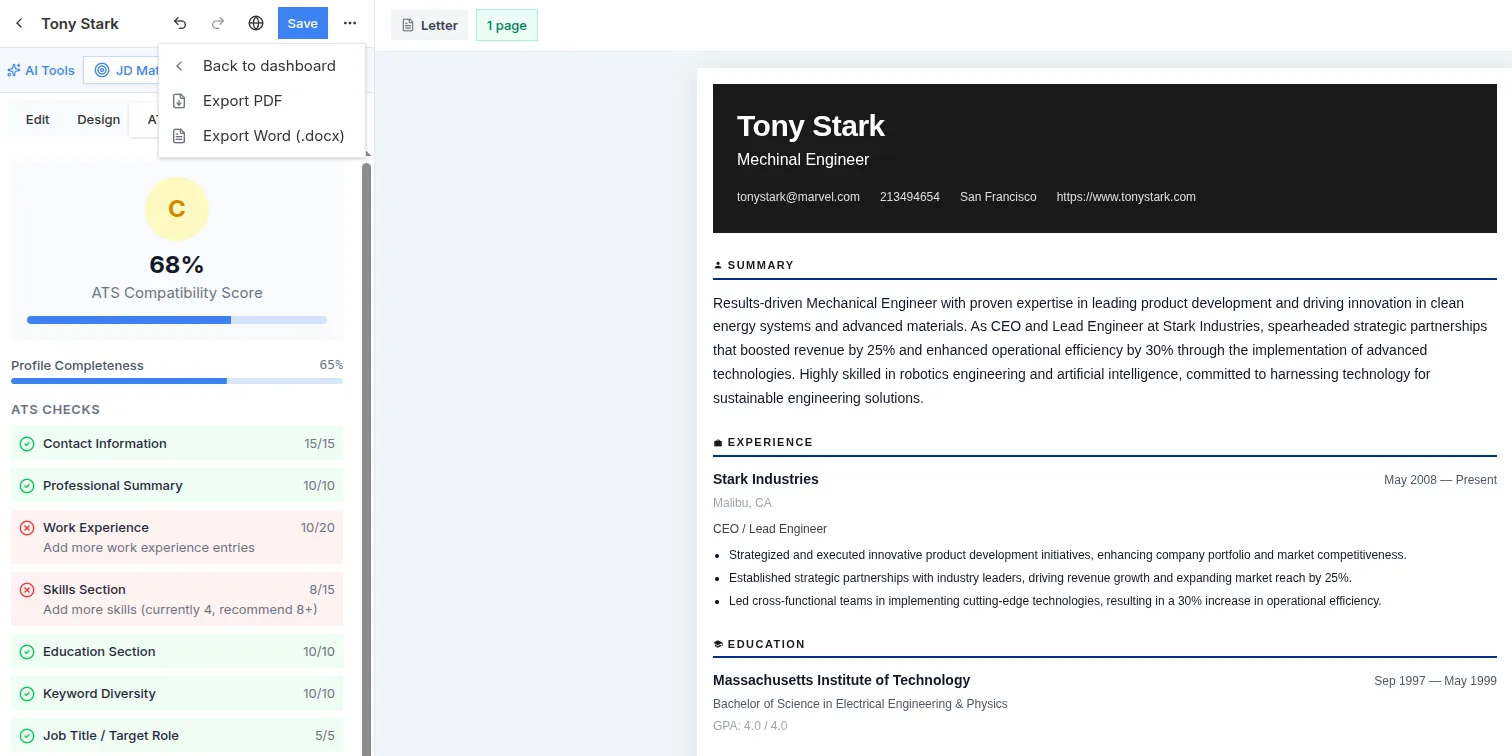
Real screenshot from the live app — sign in free and build yours
LinkedIn Summary FAQ
How long should a LinkedIn summary be?
LinkedIn allows up to 2,600 characters, but only the first 2–3 lines show before "see more" — so front-load your strongest sentence. Most effective summaries run 3–5 short paragraphs, not the full character limit.
Should I write my LinkedIn summary in first or third person?
First person. LinkedIn's About section is one of the few professional documents where a conversational, first-person voice is expected and works better than the resume-style third-person phrasing.
What's the difference between the headline and the About section?
Your headline is a one-line label recruiters scan in search results. The About section is the paragraph-length pitch someone reads after they've already clicked into your profile — it should explain your work and value, not repeat your title.
Should I list keywords in my summary for search?
Yes, naturally within sentences — LinkedIn's search does weight profile text, including the About section. Avoid a bare keyword list at the end; it reads as spam and adds nothing a real reader wants.
Line Up Your Resume Next
Your LinkedIn and your resume should tell the same story. Build yours free with 17 ATS-friendly templates — no account needed.